Portfolio — SynergyAI
Full-length video, no film crew
Synergy is an AI video creation tool that lets small business owners produce full-length, professional videos — not just clips — without filmmaking experience. I designed and built it, from mobile-first wireframes to a dual-mode desktop experience serving both beginners and power users.
Studio start-up. A start-up of my practice: conceived, designed and built as my own product, not client work.
The idea
Merging human craft with generative AI
Most AI video tools stop at ten-second clips. I designed Synergy for full-length videos: a guided, conversational process that hides the technical complexity of filmmaking behind real-world language — built for owners like real estate agents, drawing on a film-industry background.
"The only way to predict the future is to create it."

The vortex mark — circles coalescing into an S.
Try it yourself
Walk through the working prototype
I rebuilt the mobile designs as real, tappable code — sign up, pick a plan, and create a video with the assistant, screen by screen.
Desktop — guided mode
Six conversational steps to a finished film
The desktop experience walks a first-time user from welcome to a finished, shareable video: subject, cast, location, visual effects, style, and story — each step conversational, with an AI assistant on call throughout.
Welcome — the wizard opens in plain language, no timeline in sight.
One product, two speeds
Guided for beginners, advanced for power users
Guided mode
The six-step conversation — recognition over recall, error prevention at upload, real-time suggestions as you type.
Advanced mode
Chapters, shots, and scenes exposed for direct editing, plus generative fill — customization without surrendering the plain-language core.
Mobile first
A studio that fits in a pocket
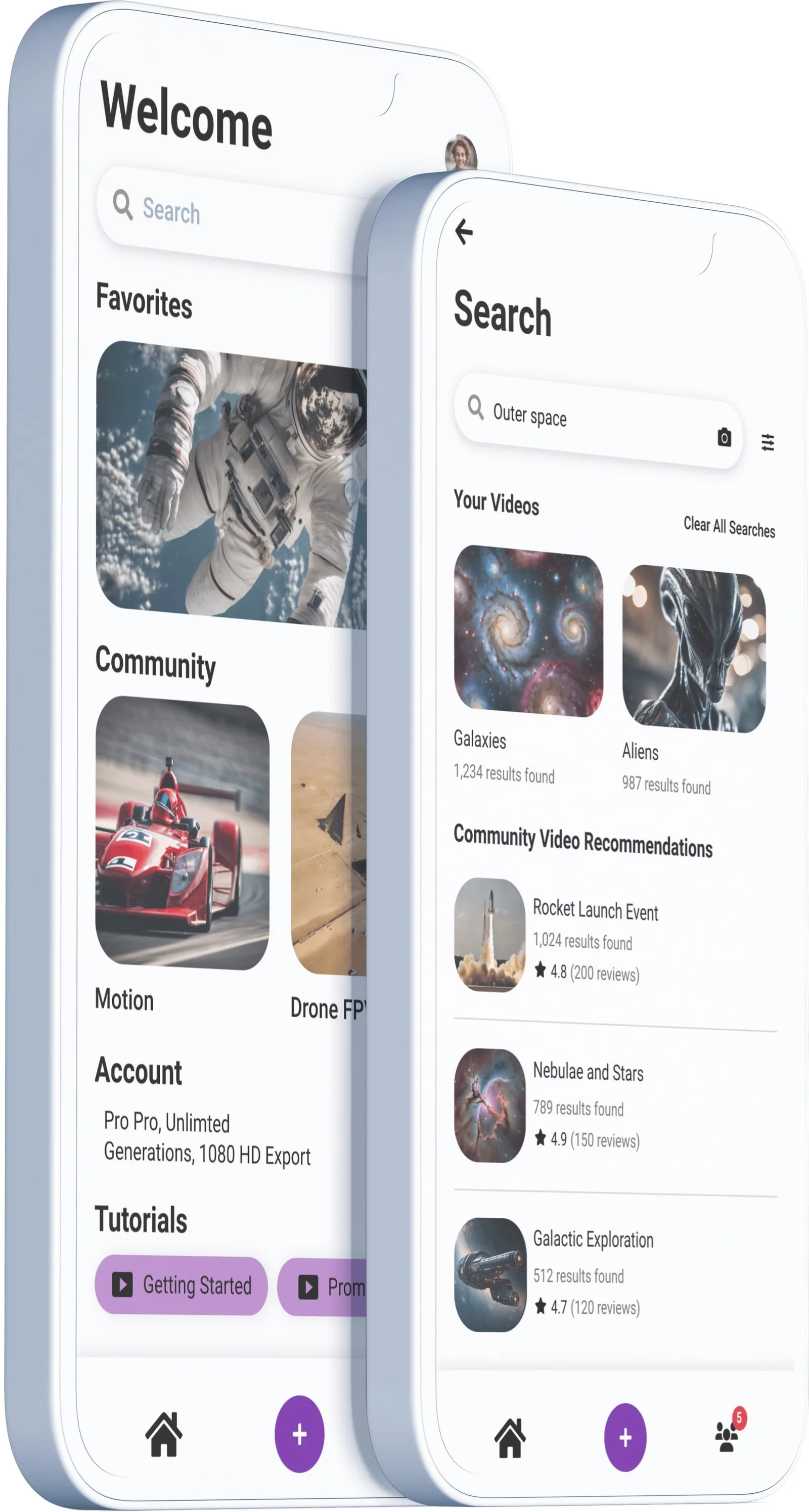
Design began on the phone — onboarding, subscription, creation, history, and a community hub for inspiration and social sharing, all following iOS standards.
Full pages, in motion
Screen by screen
Every screen in the flow
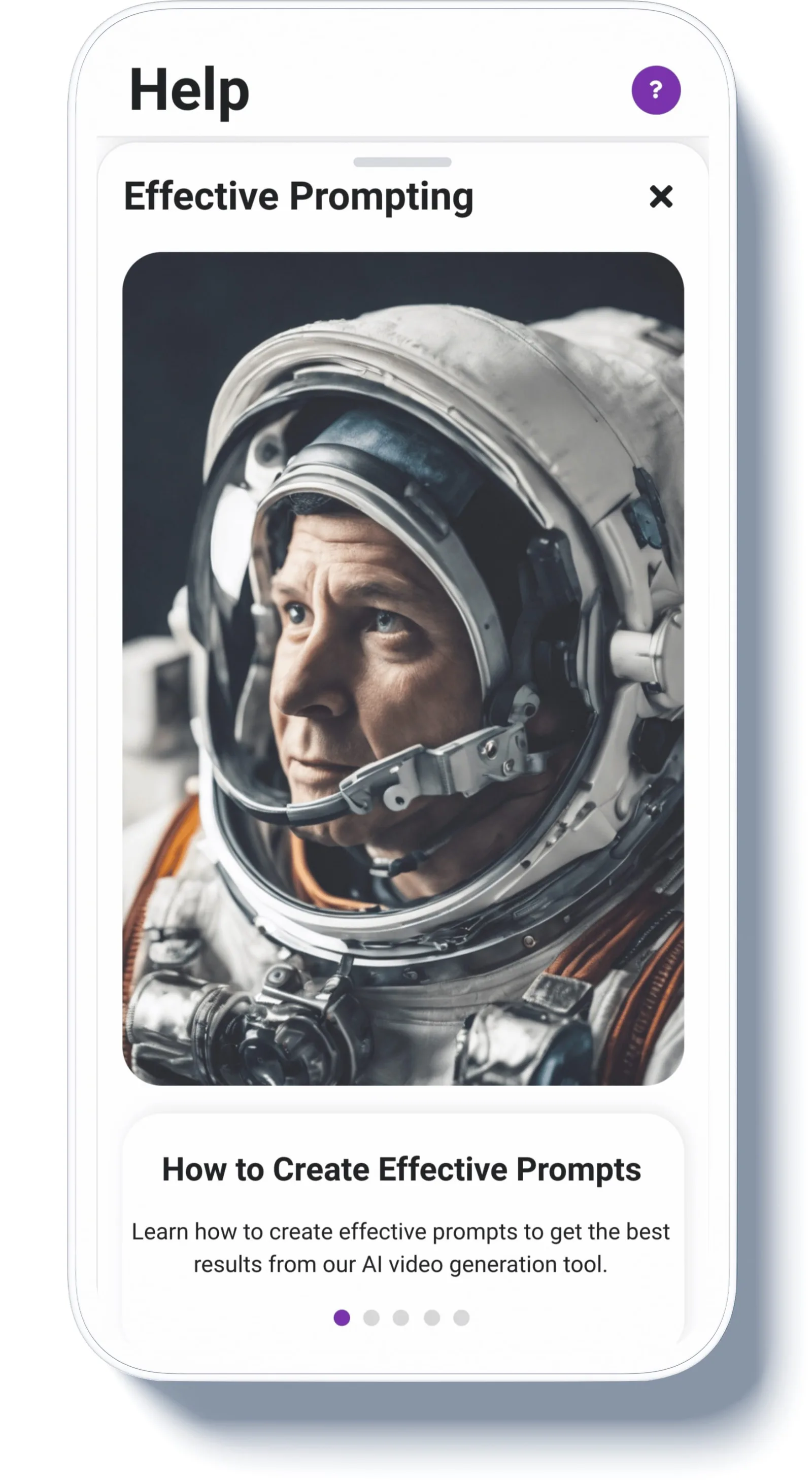
The full mobile set — swipe through onboarding, creation, history, and the community hub, one screen at a time.
The mobile app at a glance.
Process
Lo-fi wireframes to MidJourney-fueled hi-fi
The journey started with low-fidelity wireframes and moved fast: high-fidelity visuals produced with MidJourney and AI-driven techniques, following iOS design standards throughout. Six of the desktop wireframes:
Synergy desktop wireframe 01 — early structure for the guided creation experience.
AI in the product
An assistant at every step
Conversational customization. A chat assistant reworks any step in natural language.
Type-ahead prompts. Real-time suggestions autocomplete intent as the user types.
Story structure. AI proposes the film's chapters and shots, then hands over control.
Generative fill. Select a region, describe a background, and the scene changes.
AI tutorials. Onboarding and help delivered as generated video, not documentation.
The concept film from the homepage reel.
Personas
Three creators, one scrappy scenario
Three personas anchored my design — a content creator, a real-estate agent, and a fintech social-media manager, synthesized from product positioning. Zara's scenario drove the deepest design work: six branded videos in under thirty minutes, without editing skills.
Scenario numbers in the design documents (output, engagement, time saved) are illustrative targets for the concept.
The prototype
Real code, live on the web
Synergy ships as a live coded prototype — React, TypeScript, Vite, Tailwind, Framer Motion, and Radix, with Supabase Edge Functions proxying real Claude calls for the in-app assistant. I built it AI-first with Claude Code, the same way the product proposes its users work.
The takeaway
Complexity dissolved, not hidden
Synergy's bet is that plain language beats timelines: recognition over recall, error prevention over error messages, and an AI that proposes while the human disposes. The dual-mode desktop keeps that promise for beginners and power users alike.